

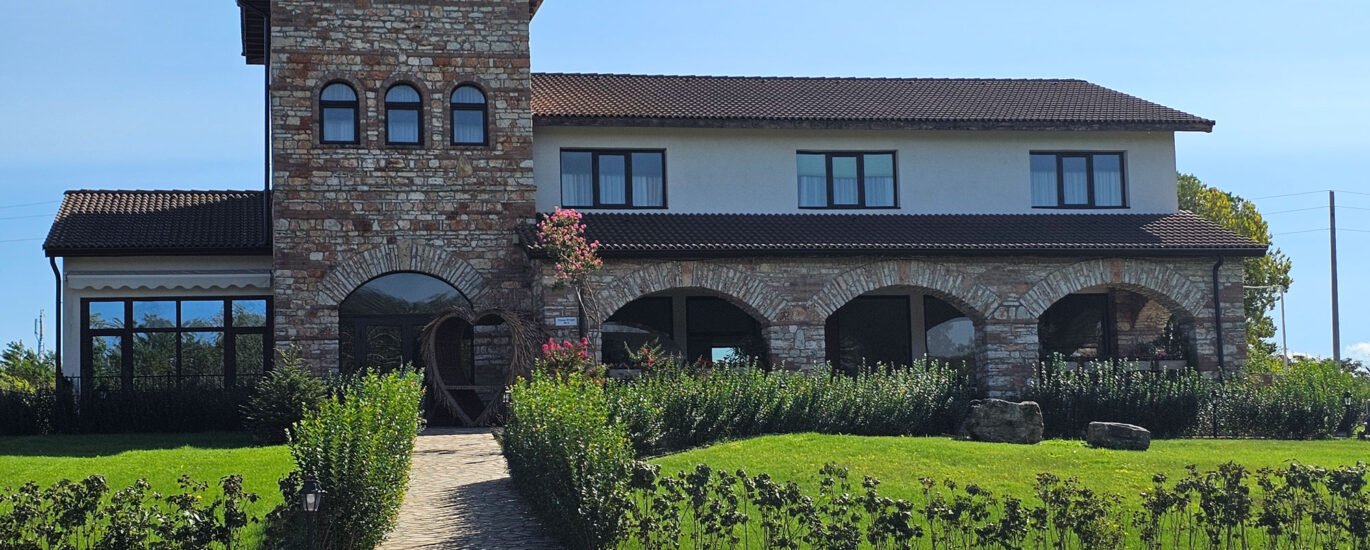
How to Create a Hotel Virtual Tour: From Planning to Final Product
Capturing a virtual tour for a hotel complex in Kuula involves detailed planning, precise shooting with both drone and ground camera, stitching complex HDR panoramas, and publishing the final product.
1. INITIAL MEETING & PLANNING:
- Defining the Scope: Discussing with the client which key areas of the complex in Kula should be captured (reception, rooms, restaurant, garden, pool) and how they should be connected.
- Site Inspection and Scheduling: Determining optimal shooting times based on sunlight direction and hotel occupancy, as well as checking flight zone regulations for drone operation.
- Site Preparation: Providing instructions to the staff for thorough cleaning, organizing, and staging the spaces prior to the shoot.
2. ON-SITE SHOOTING:
- Aerial Drone Panoramas: Shooting high-altitude spherical panoramas to showcase the entire complex and its surroundings in Kula. For each panorama, 26 separate angles/frames are captured, with each frame shot using a 5-step HDR technique (bracketed exposure from -2EV to +2EV) for an optimal dynamic range.
- Ground Shooting: Capturing interiors and walkways using a professional 360-degree camera on a tripod. HDR mode is used again to balance strong highlights from windows with dark room shadows.
3. POST-PROCESSING:
- HDR Merging: Merging the 5 bracketed frames for each position into a single HDR file to preserve detail in both the brightest highlights and the darkest shadows.
- Stitching: Geometrically stitching the 26 HDR frames from each viewpoint (both aerial and ground) into a full 360° × 180° spherical panorama.
- Retouching: Removing tripod shadows, birds in flight, and people (if needed), alongside color and contrast corrections.
4. VIRTUAL TOUR DEVELOPMENT:
- Linking Panoramas: Adding interactive hotspots to allow seamless navigation between aerial views, interiors, and exteriors.
- Integrating Elements: Incorporating a quick-navigation menu, the hotel logo, room information, and a direct booking button.
5. REVIEW & FINALIZATION:
- Client Approval: Providing a working review link to gather and apply any feedback or adjustments.
- Project Delivery: Uploading the completed virtual tour to the client’s server, embedding it into the complex’s website, or publishing it to platforms like Google Street View.
- One Try Productions
- 2026-10-26